

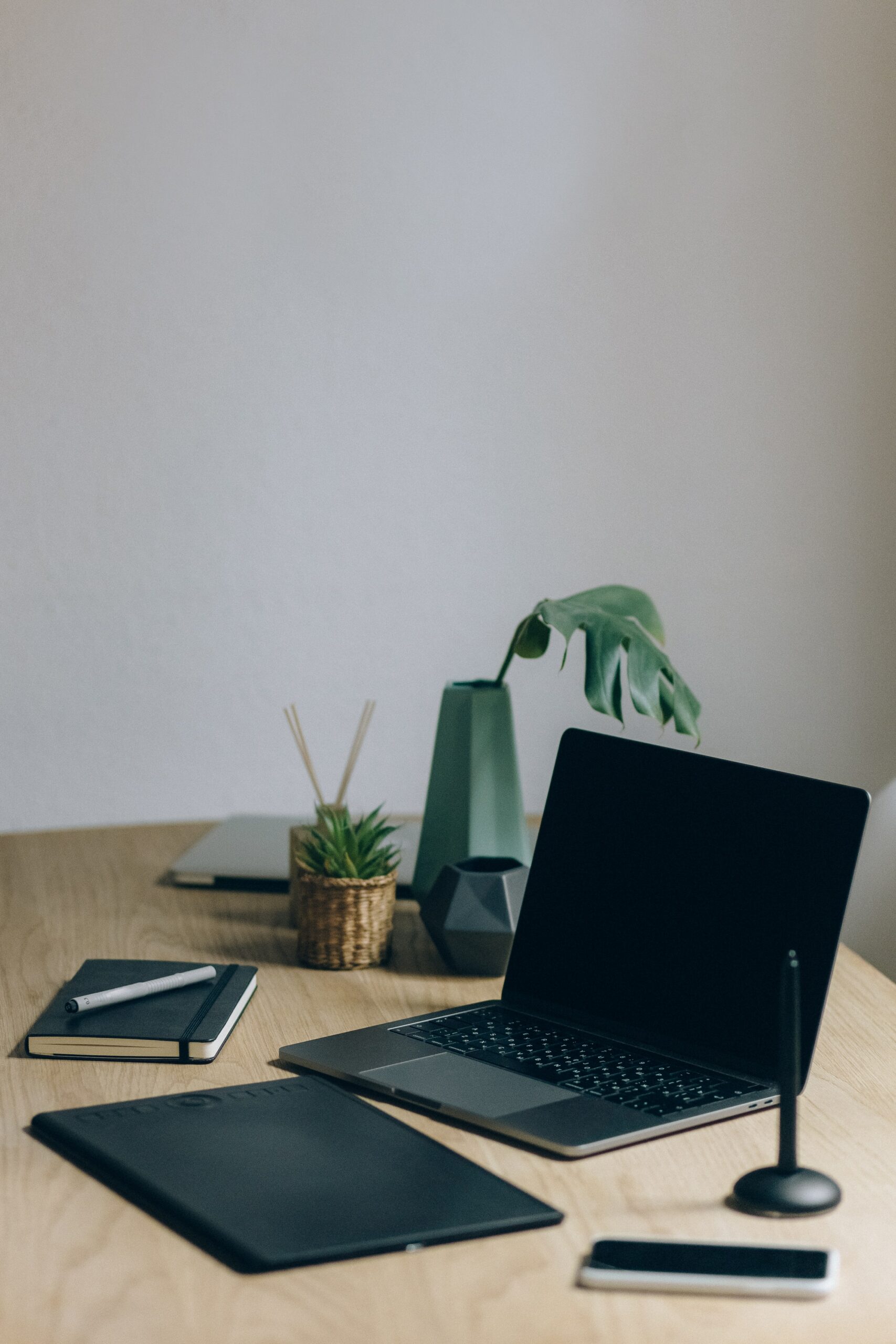
As in any other trade — personnel and equipment decide everything! A chef can’t do without well-sharpened knives and a skilled assistant, a seamstress without her favorite threads and needles.
The same is true in our trade. Well-prepared equipment is extremely important for running a sporting event. Nothing complicated, but we have put together a list of the most effective tips designed to help the user.
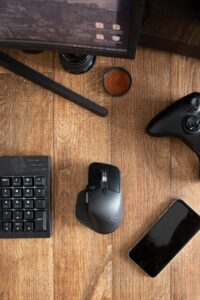
A regular computer mouse. A wired one is even better — there’s no risk that it will run out of charge at the most critical moment.
However, regardless of color and shape, we strongly recommend using a mouse to run the event. It is much more convenient and calmer than trying to reproduce the required combination of clicks through a touchpad.
As much as antivirus is in demand these days, the quality of its work sometimes leaves much to be desired. Sometimes it can block the transfer of important data between various parts of the functionality in the name of imagined security. It is better to disable any such information blocking during the tournament.

An operating system update can also affect the app’s work. It is better to install all updates in advance. Or simply schedule the update for later. The recommended Windows version for work is 7 and above.
This must be done in any case. In case of any problems, contact us
Such settings are often present on all computers. In themselves they are not bad. However, they can seriously get in the way when running an event. Just consider how inconvenient it is to move the mouse every 5-10 minutes to wake the laptop from sleep mode (and not to display a black screen instead of the sports scoreboard).
After installation, this program makes it possible to provide installation advice in a remote format. And prepare .NET Desktop Runtime 6.0.12 (x86 and x64) in advance. It is better to install it beforehand. To do this, download the installer from the Microsoft website and copy it to a USB drive or install it on the laptop right away.
This happens often — the device’s charge runs out at the worst possible moment. Therefore, we recommend keeping laptops connected to a power source throughout the event. It may be worth arranging the required number of outlets and extension cords in advance.
Not all Wi-Fi networks have a stable signal level. Some laptops may lose the signal and reconnect to the network for a very long time. To avoid possible problems related to this, it is advisable to use a wired internet connection.
.svg)