

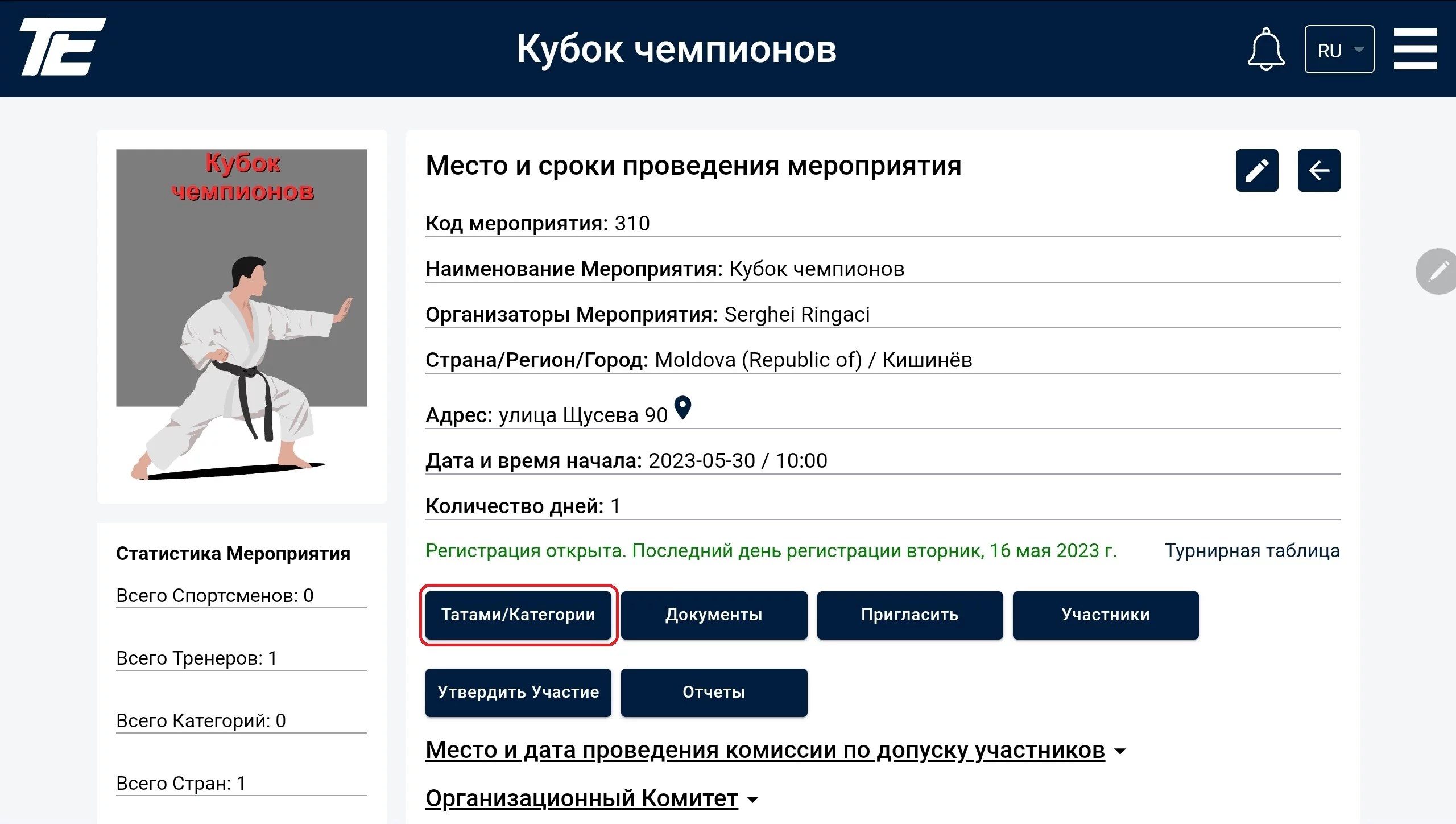
Today we will continue to visually illustrate the step-by-step creation of a tournament. Let’s look at creating and assigning categories at a tournament.
To assign tatami at a tournament, click the “Tatami/Categories” button.
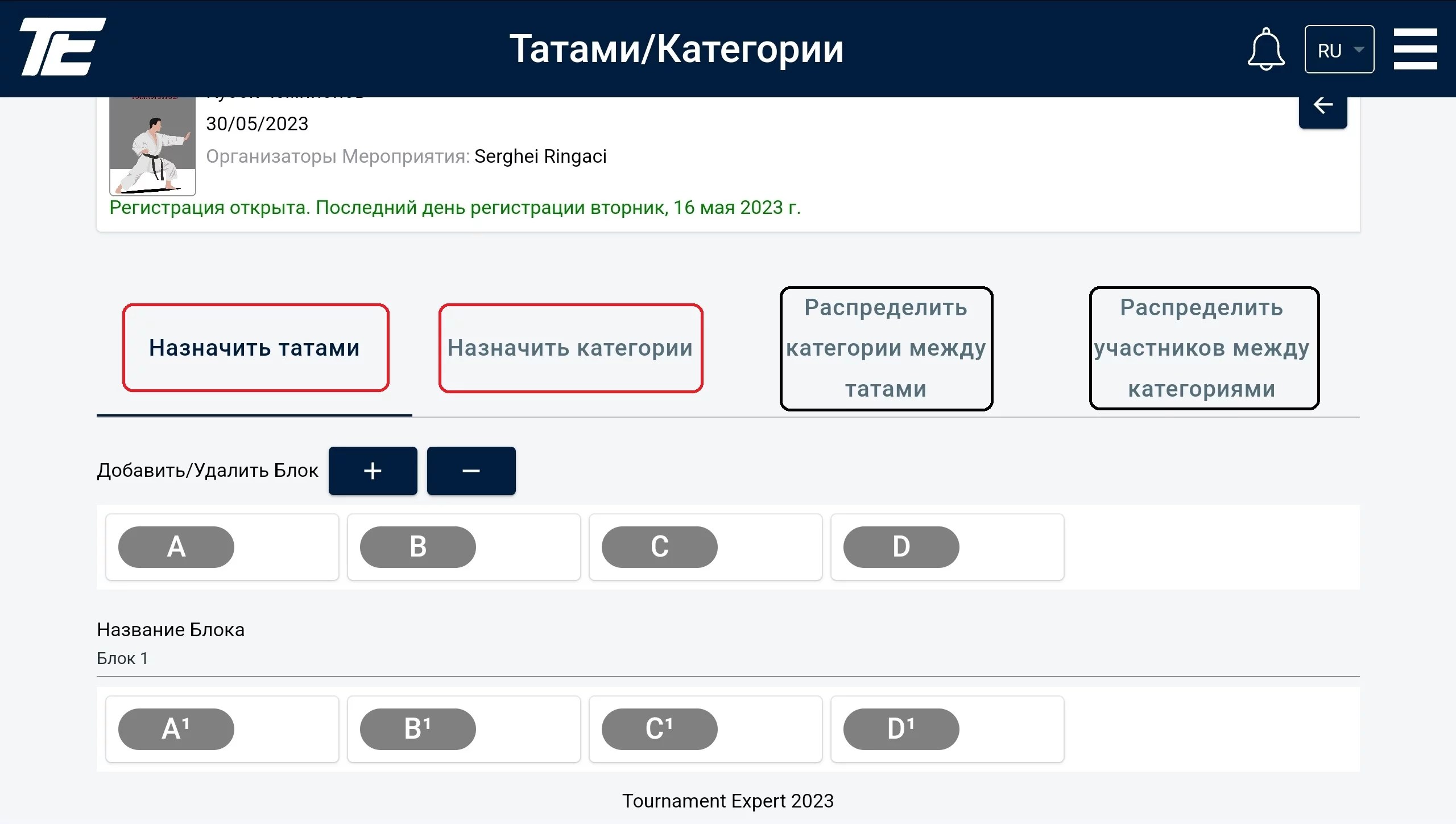
You can assign tatami and categories before the athletes are registered at the tournament. However, distributing categories between tatami and participants between categories is only possible once participants are present at the tournament.
At a tournament there can be blocks or there can be none.
A block is a set of tatami. We recommend using blocks when one competition needs to be split into several stages for a number of reasons.
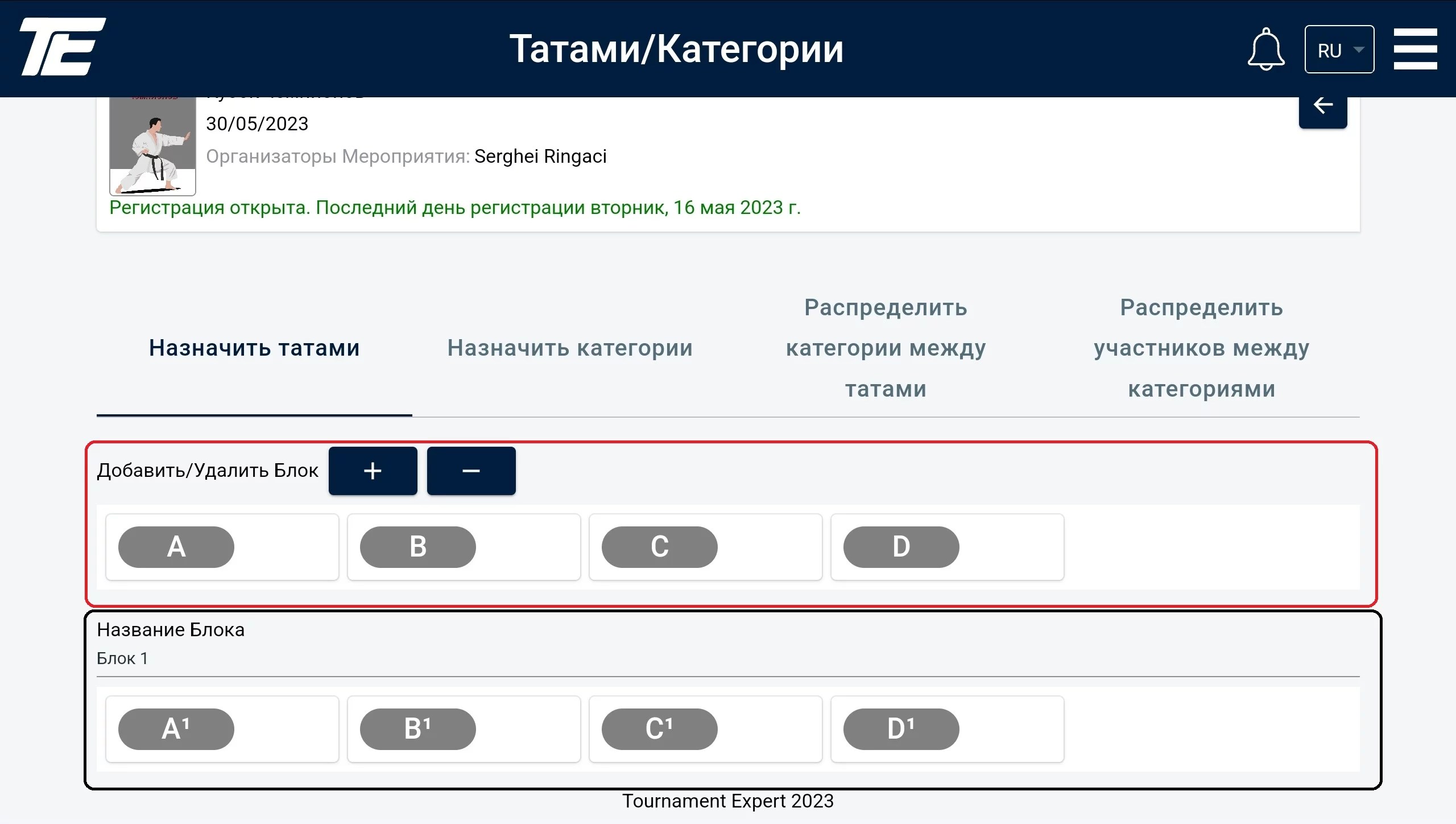
The first block (marked in red) is always available. If your tournament has no blocks and all matches go one after another, you just need to specify the number of tatami at the tournament.
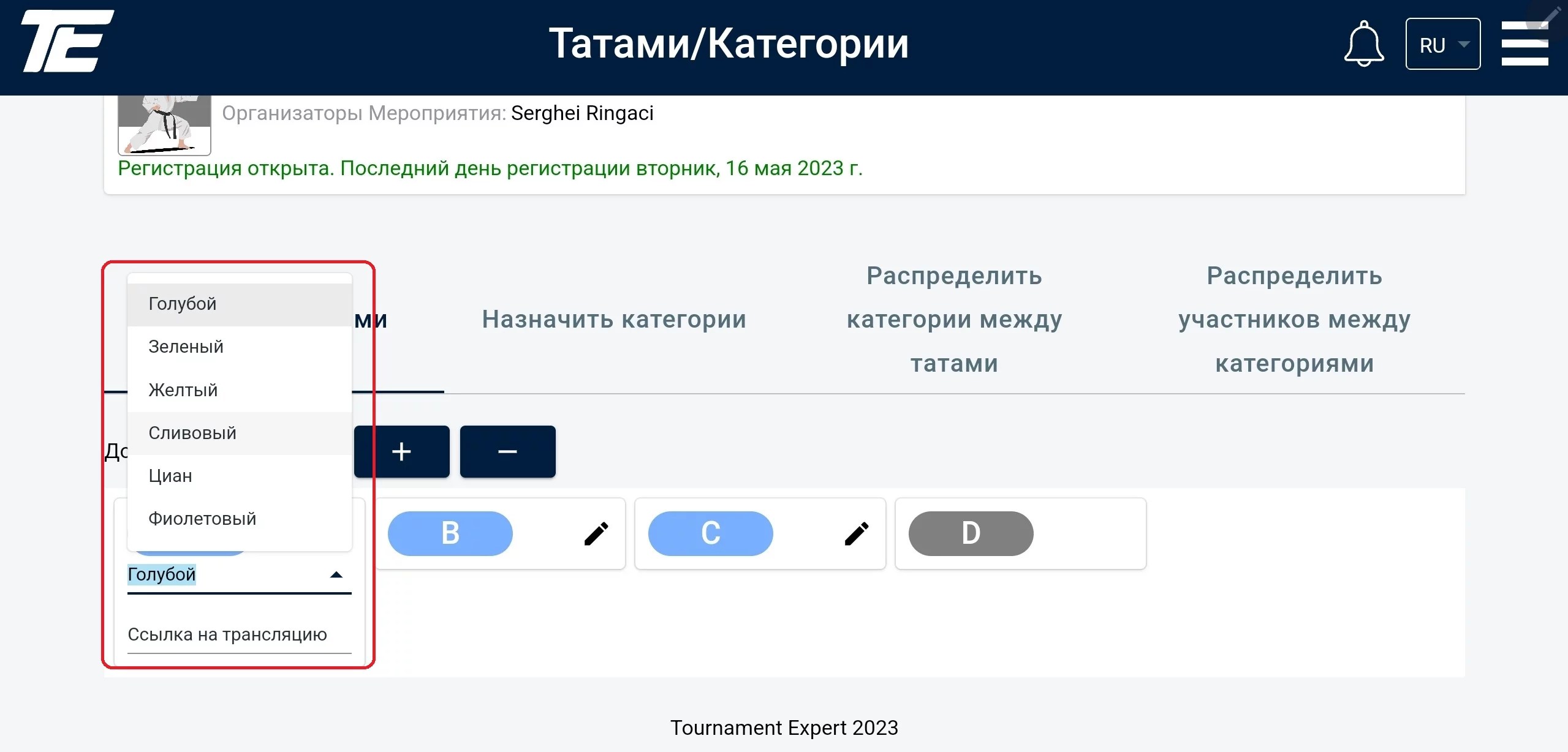
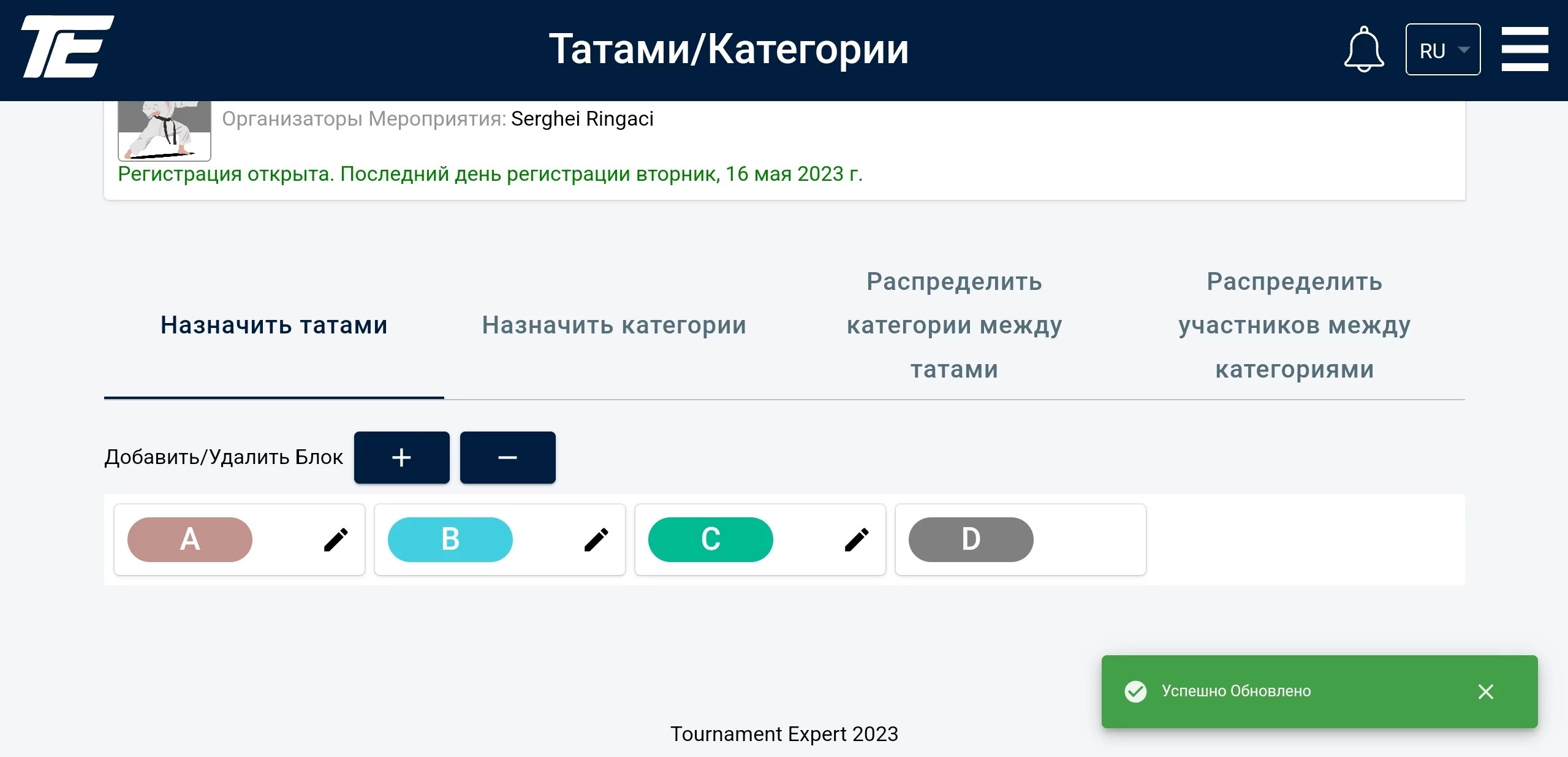
For each tatami you can set a color that will later be used for the information scoreboard and the video broadcast.
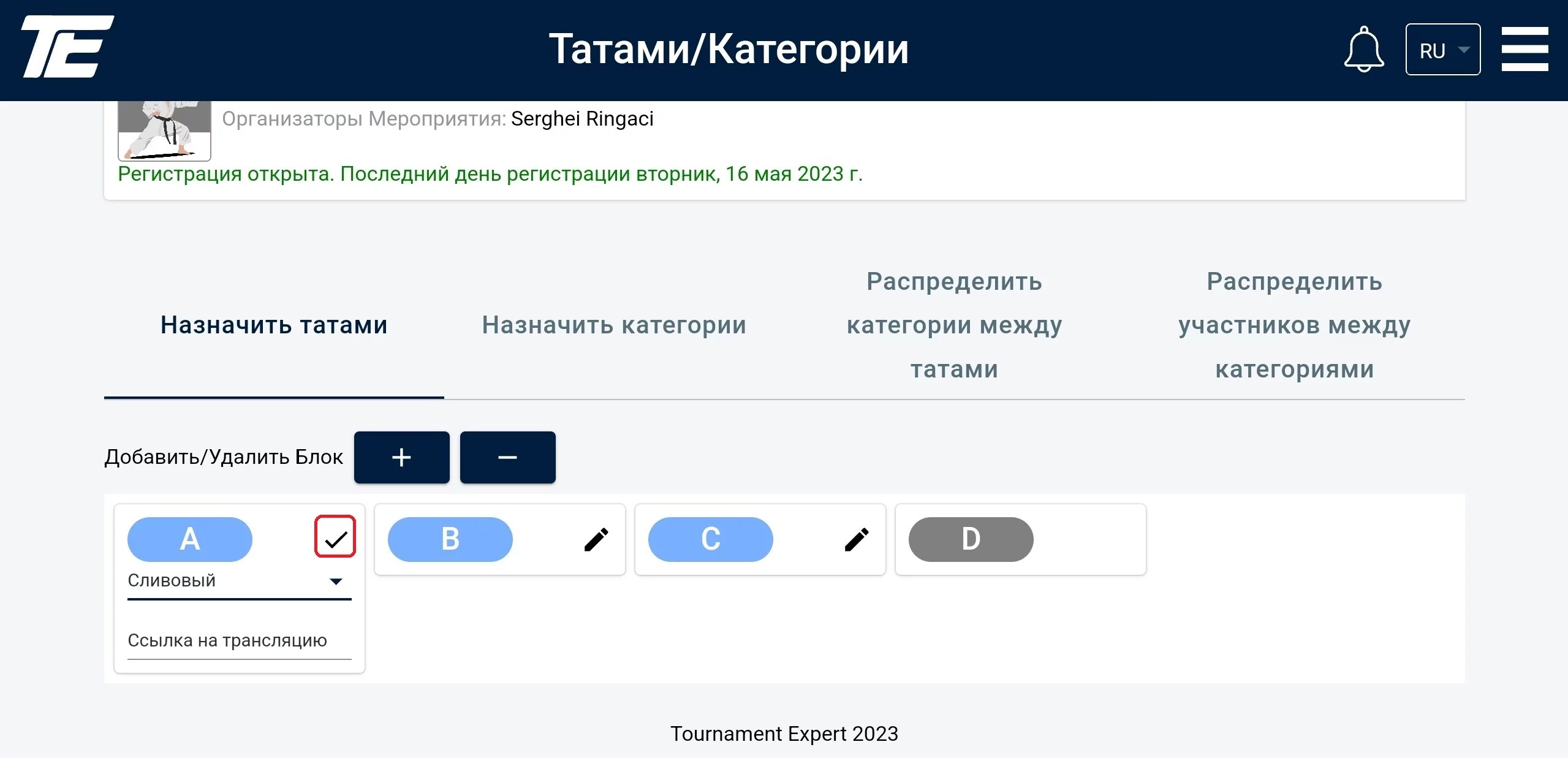
To do this, select the desired color from the offered list and click the check mark.
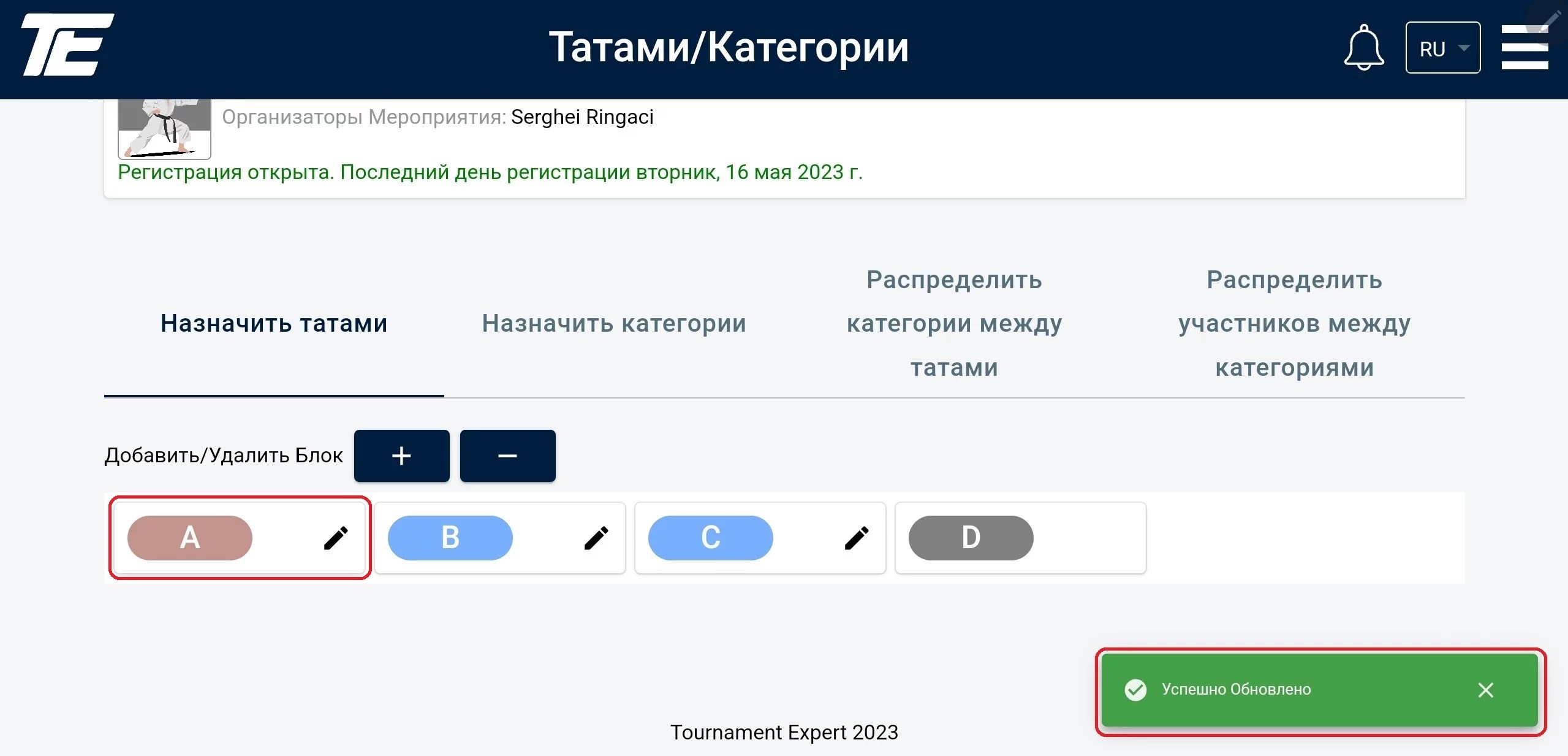
After this the tatami color should change, and a notification about a successful update will appear in the bottom right corner.
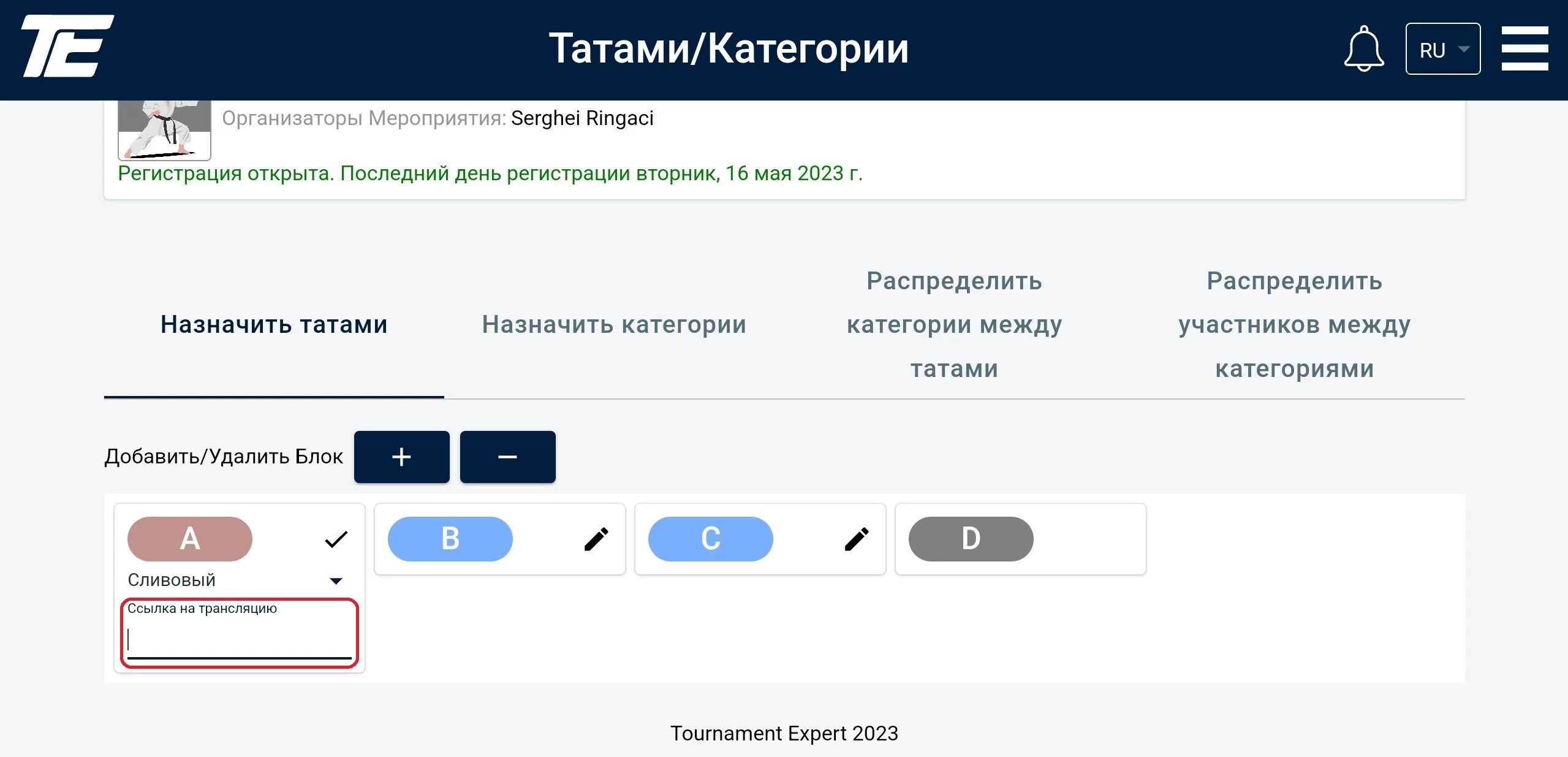
Also, a link to a video broadcast can be added for a tatami, if one is planned.
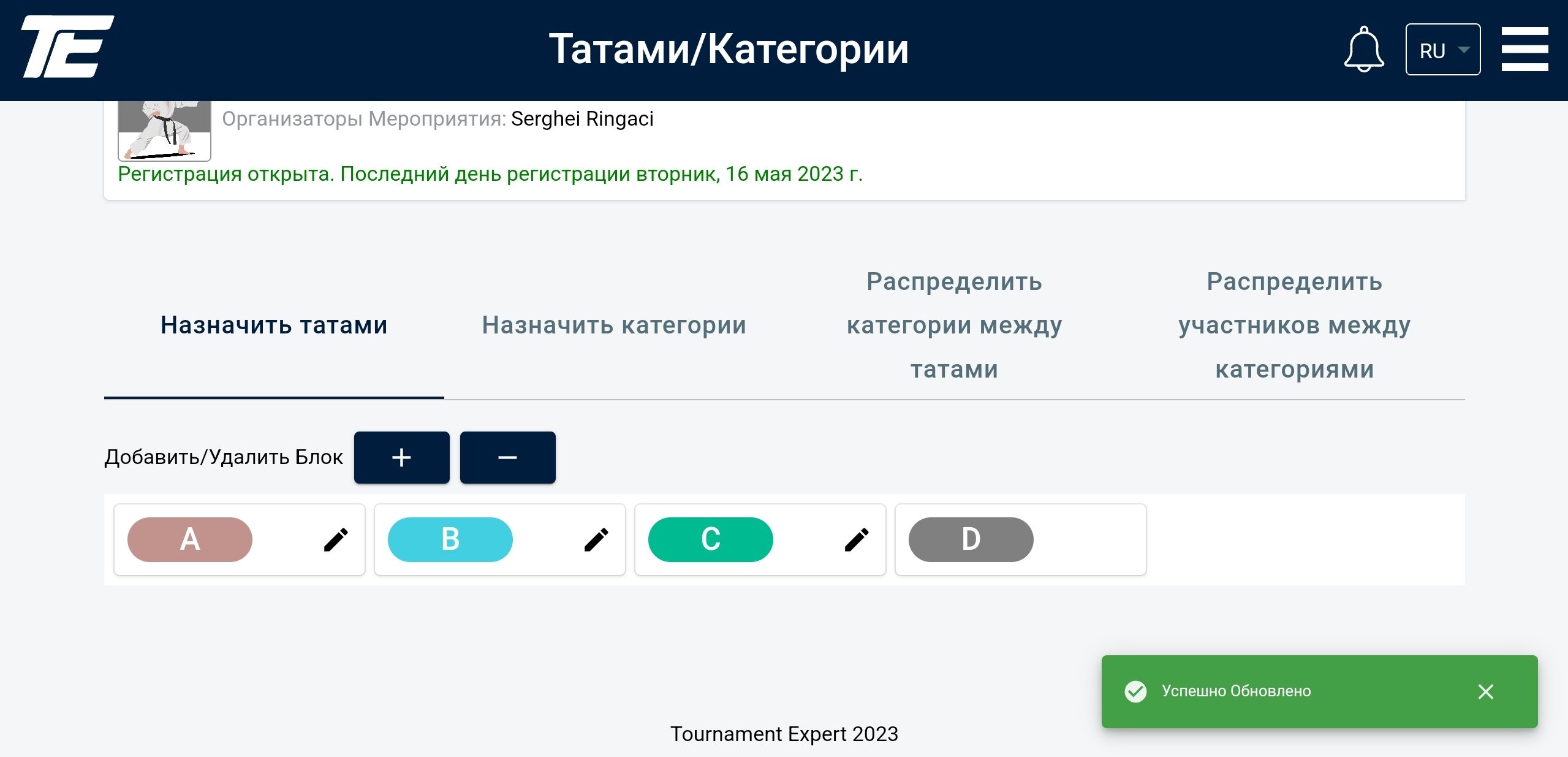
This is what a fully completed color setup of all the tatami looks like.
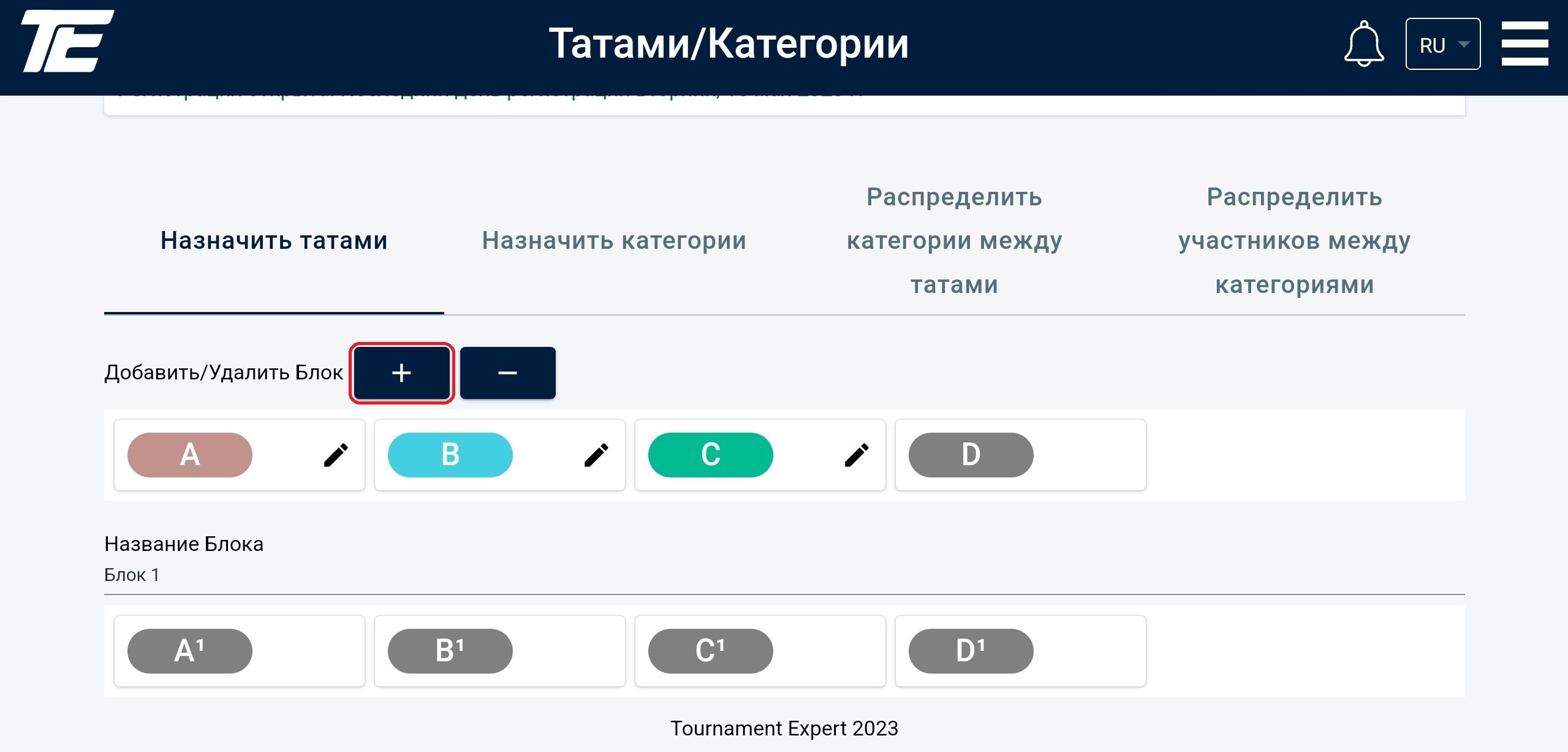
Blocks can be added to a tournament. We recommend using blocks when it is necessary to hold the award ceremony immediately after the performances in the categories are over — for example, when the participants are preschool-age children. For convenience, each block can be given a name.
Creating a block affects the further distribution of categories between tatami, the formation of the tournament table and the numbering of matches.
A more precise understanding of how various blocks are used during a sporting event can be found in the regulations.
The maximum number of blocks for one tournament is 9.
.svg)